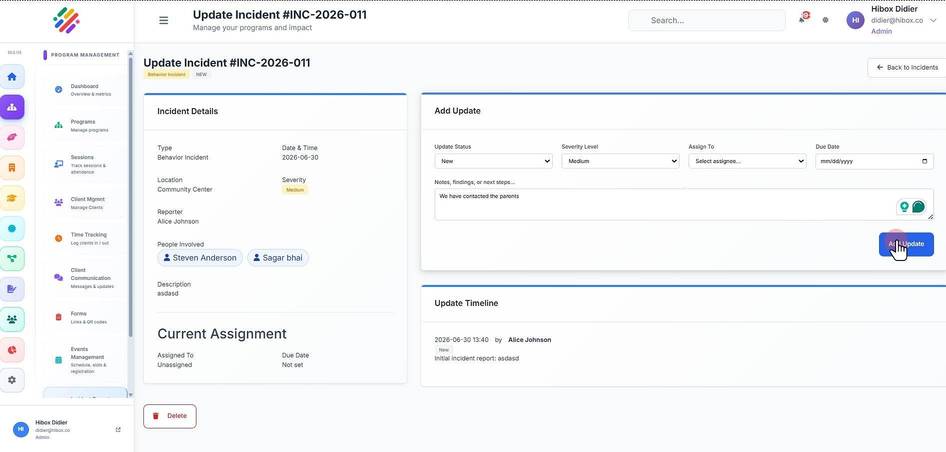
Update an Incident Report
Update an Incident Report
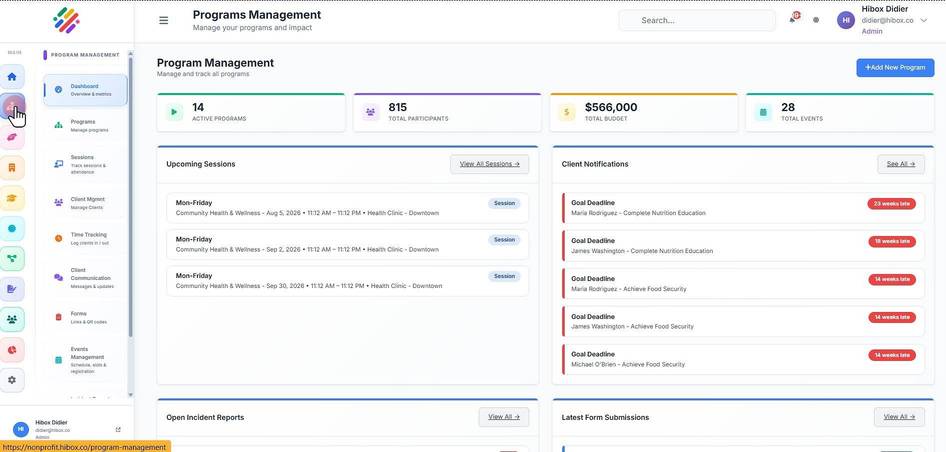
1. Click "Program Management" on the left side menu
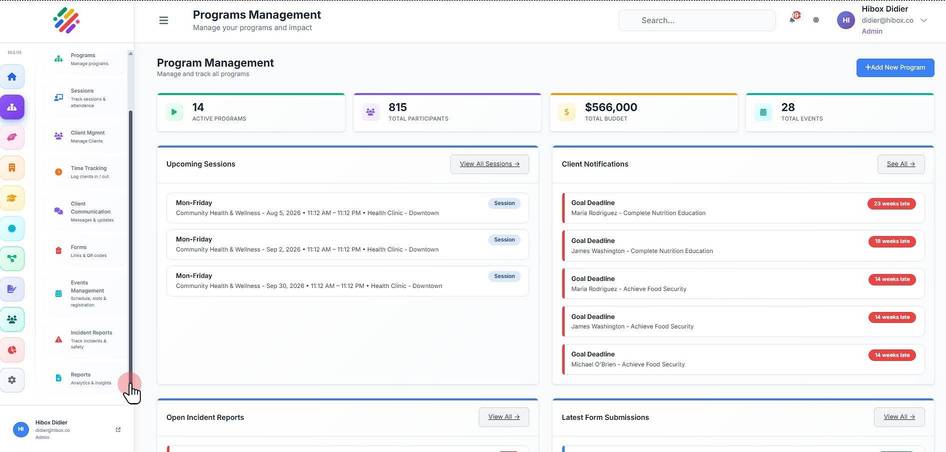
2. Scroll down on the sub-menu
3. Click "Incident Reports"
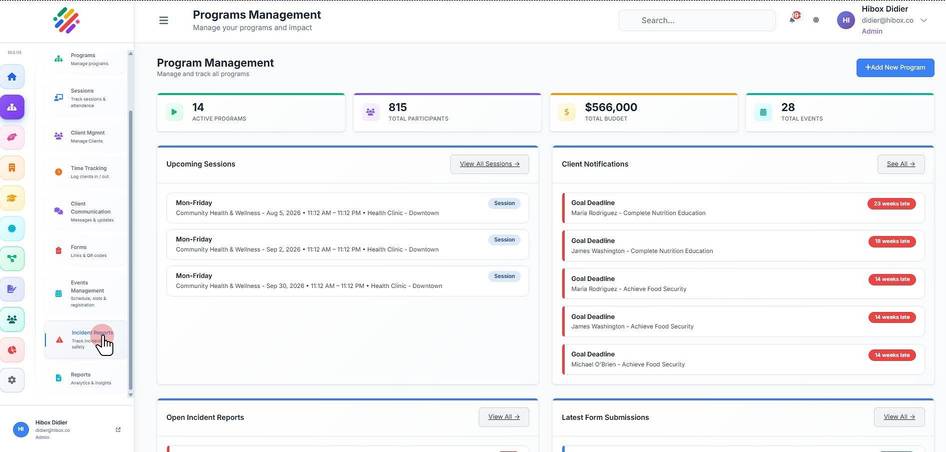
4. Click "Incident Reports"
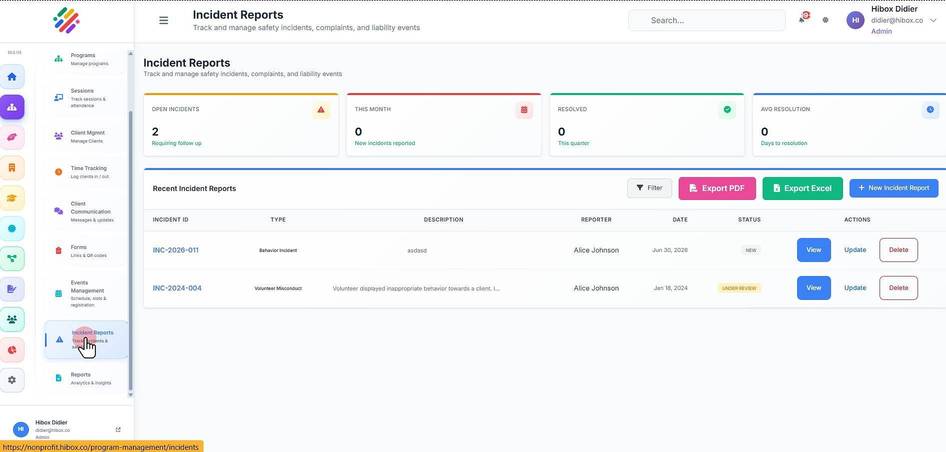
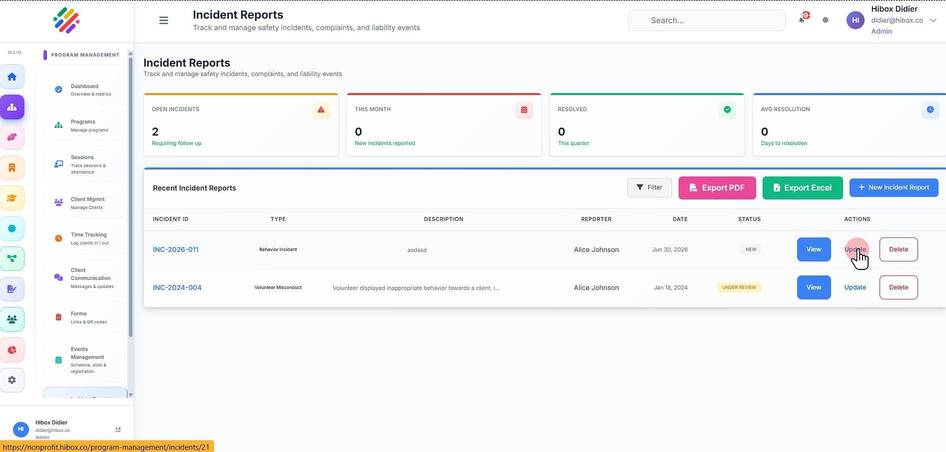
5. Locate the incident report, then click the "Update" button
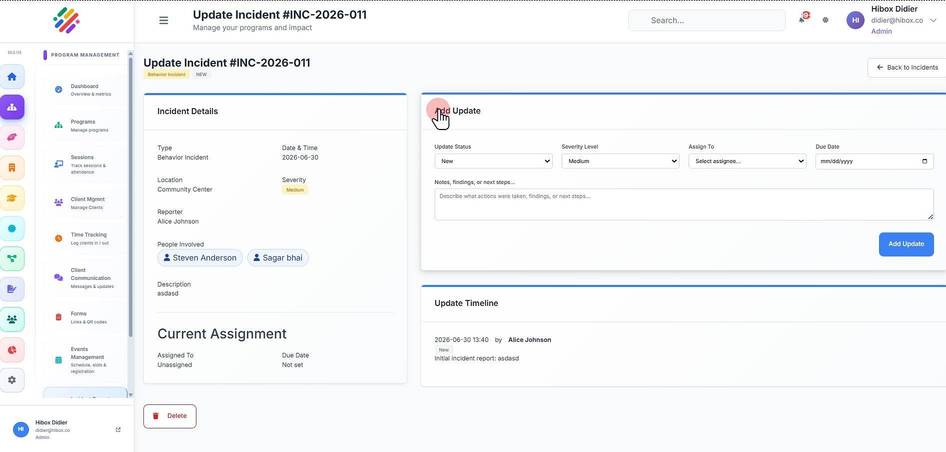
6. Find the "Add Update" section on the right side
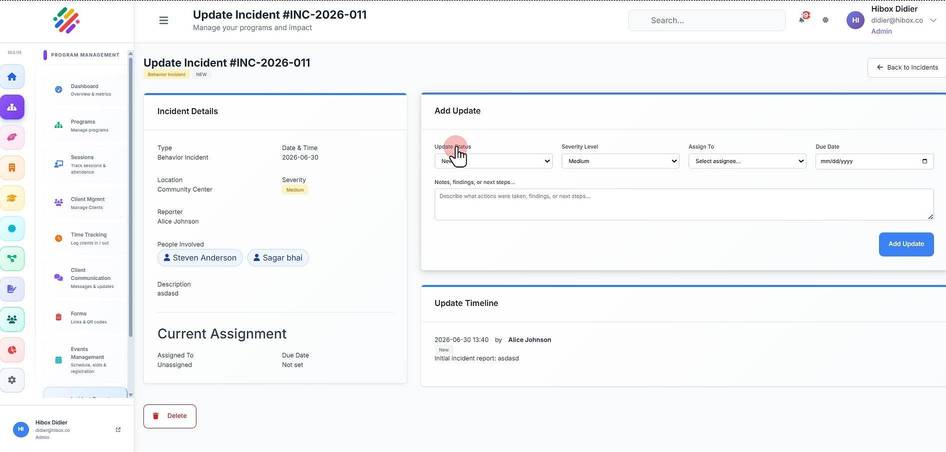
7. You can "Update Status"
8. Change the "Severity Level" if needed
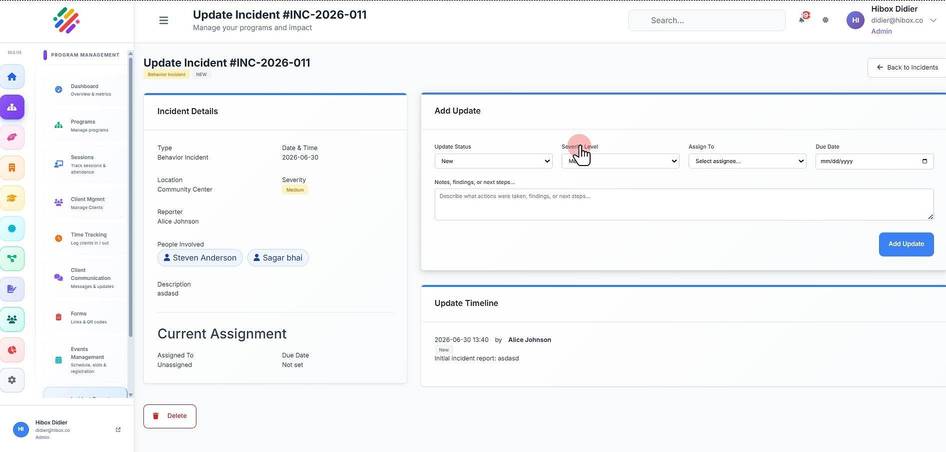
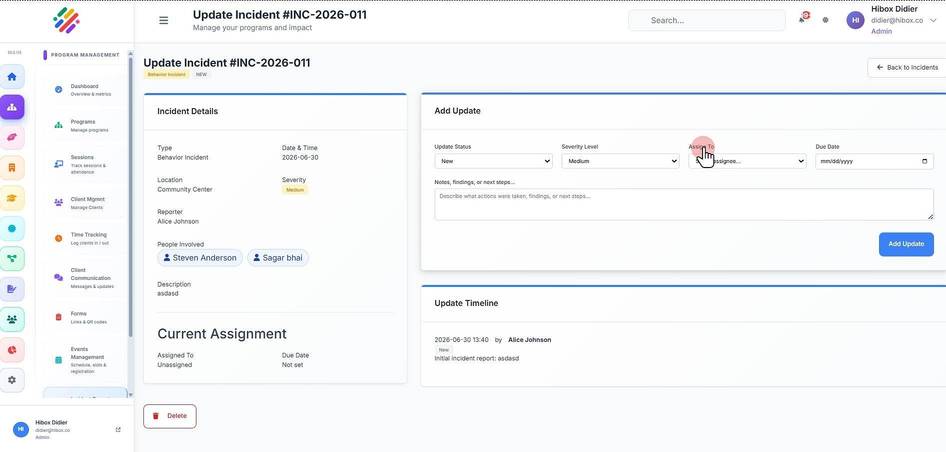
9. Reassign to someone else
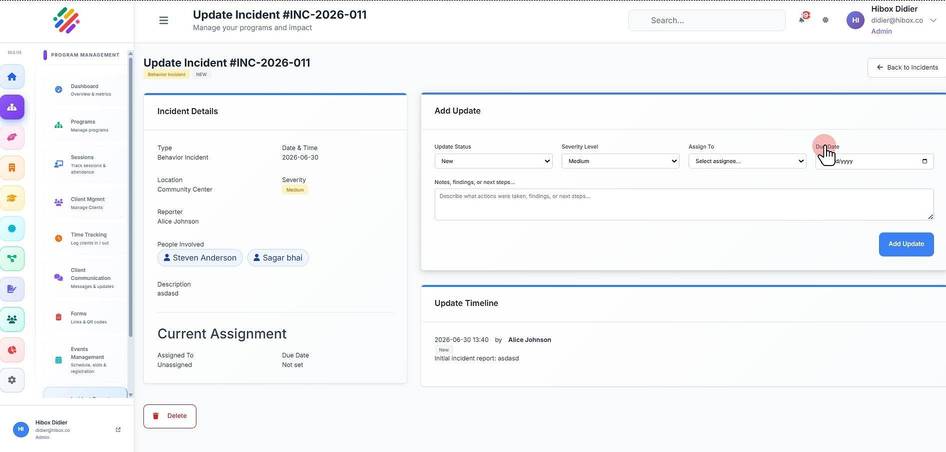
10. and set a "Due Date"
11. On the "Notes , you can describe what actions were taken, findings, or next steps
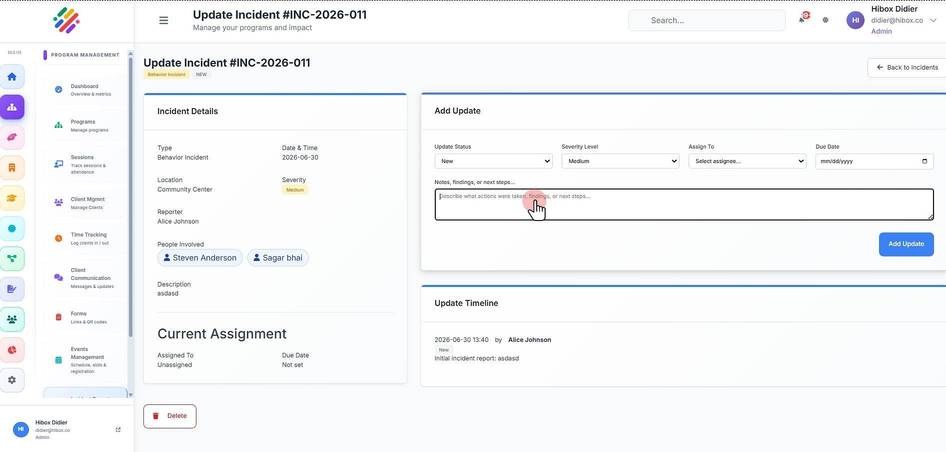
12. To save the update, click on the "Add Update" button