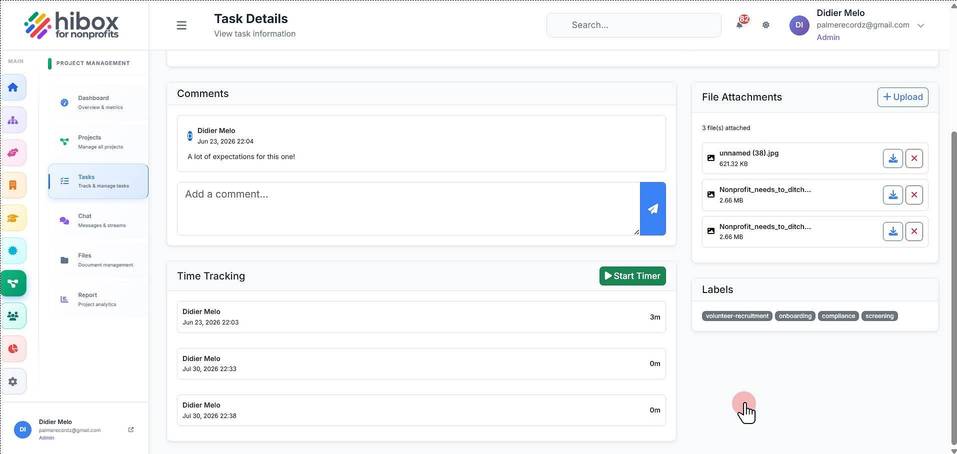
Upload Files to a Project Task
Upload Files to a Project Task
1. Click "Project Management" on the left-side menu
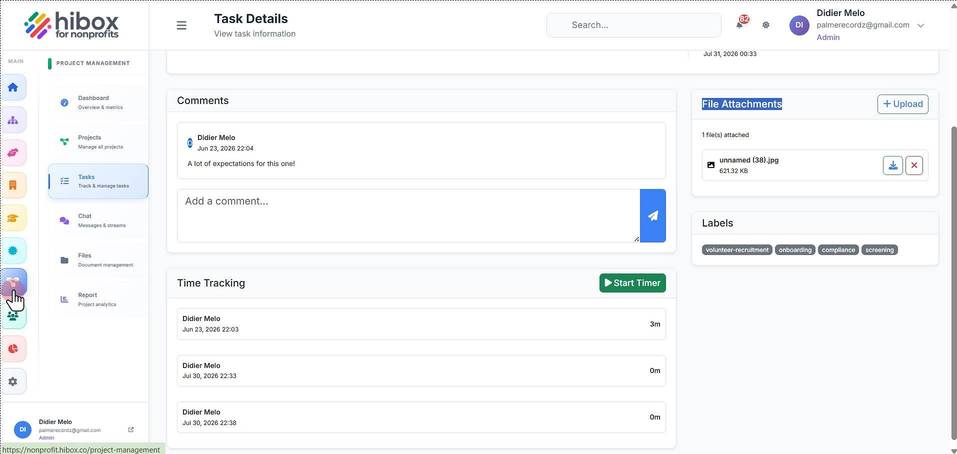
2. Click "Projects" on the left-side menu
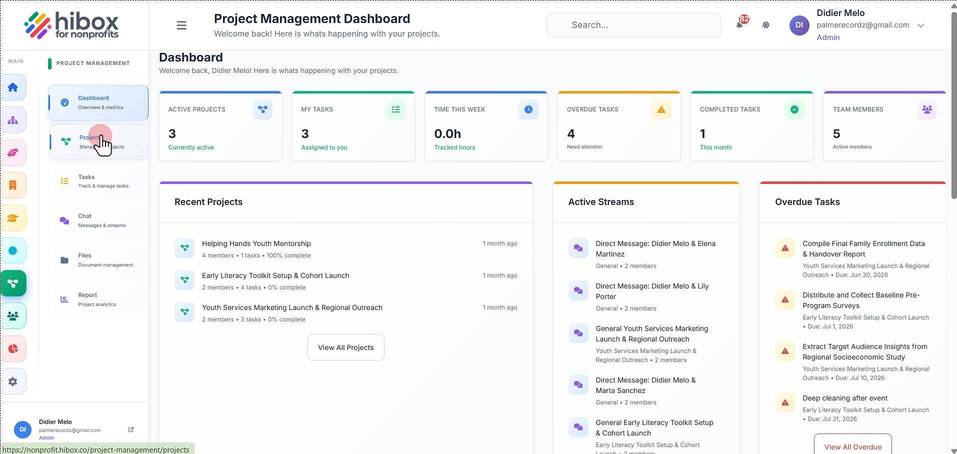
3. Click on the project name
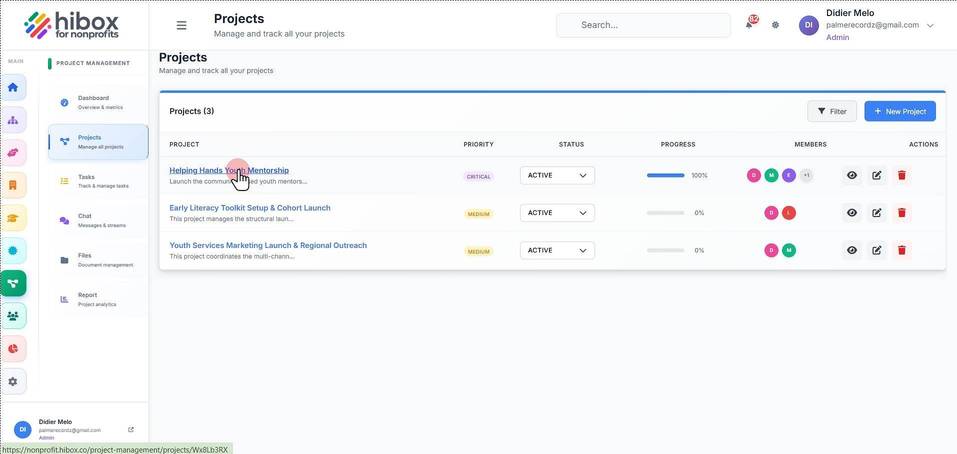
4. Click on the task name
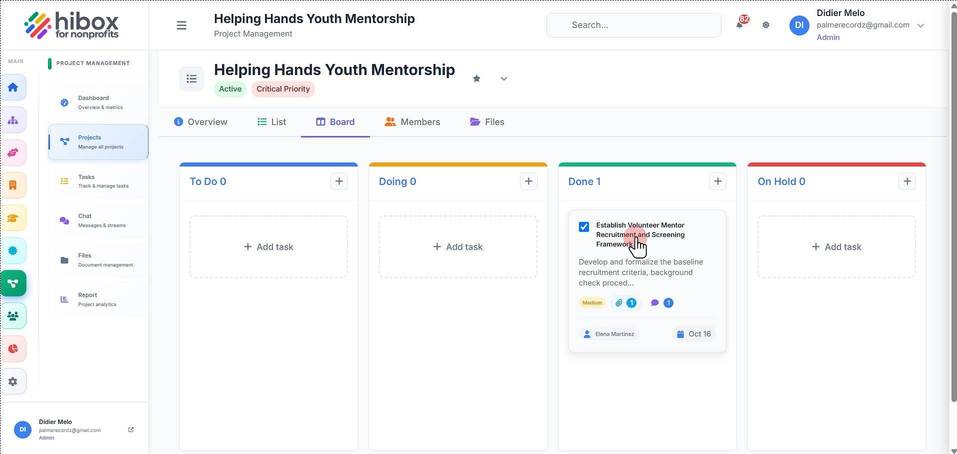
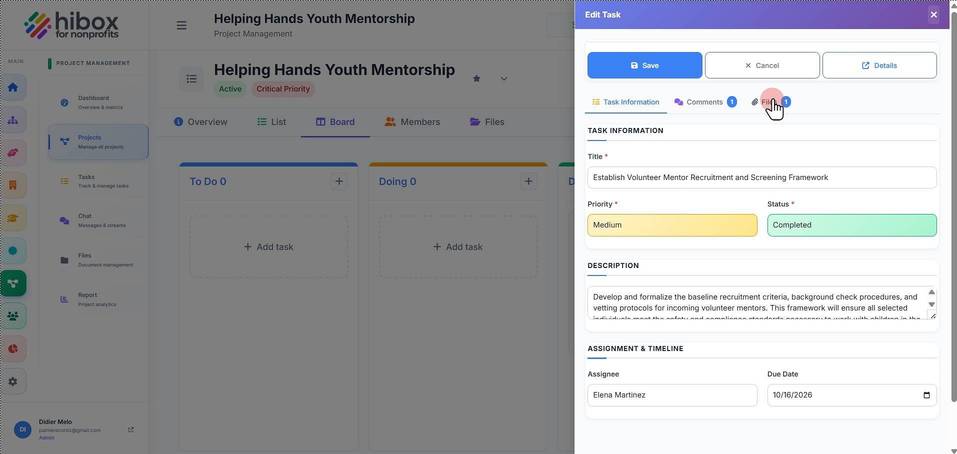
5. Click "Files"
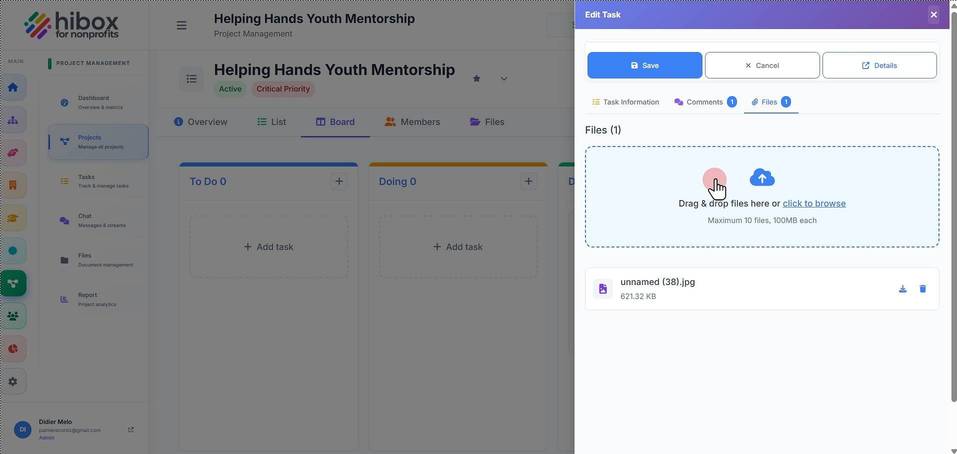
6. Click inside the box
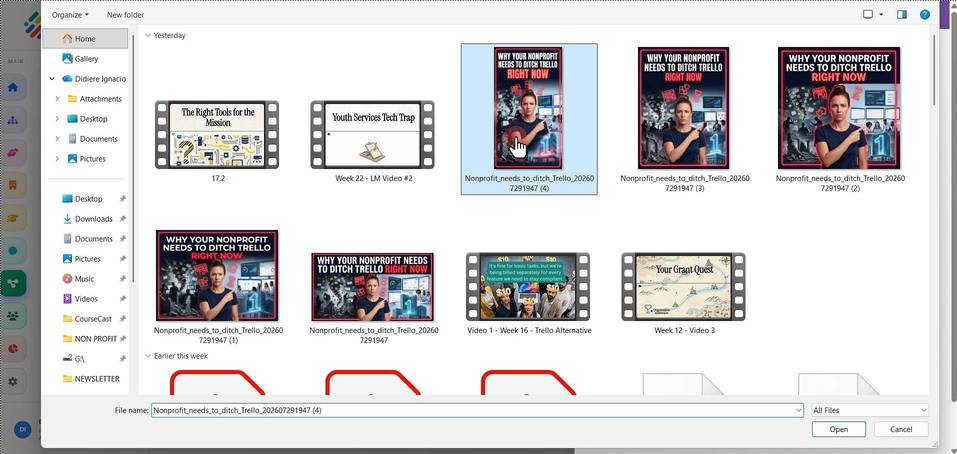
7. Select the file from your device
8. You will be taken back into the task details
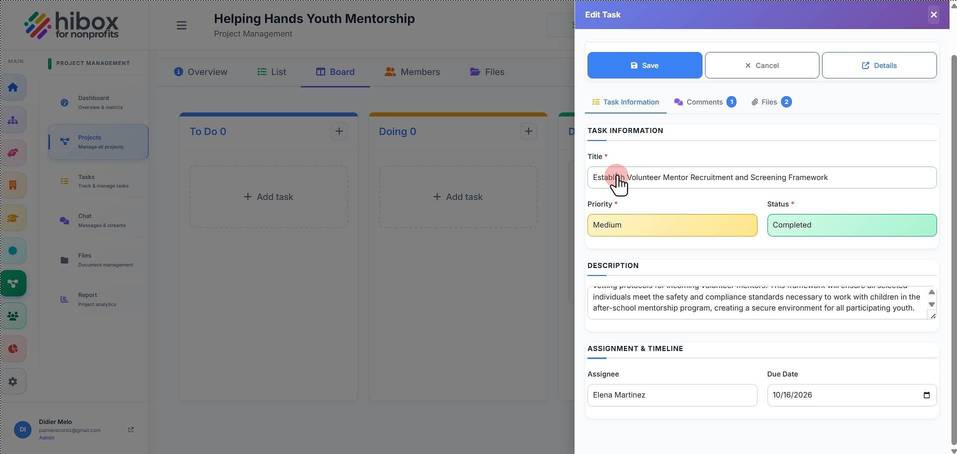
9. Click "Files" again
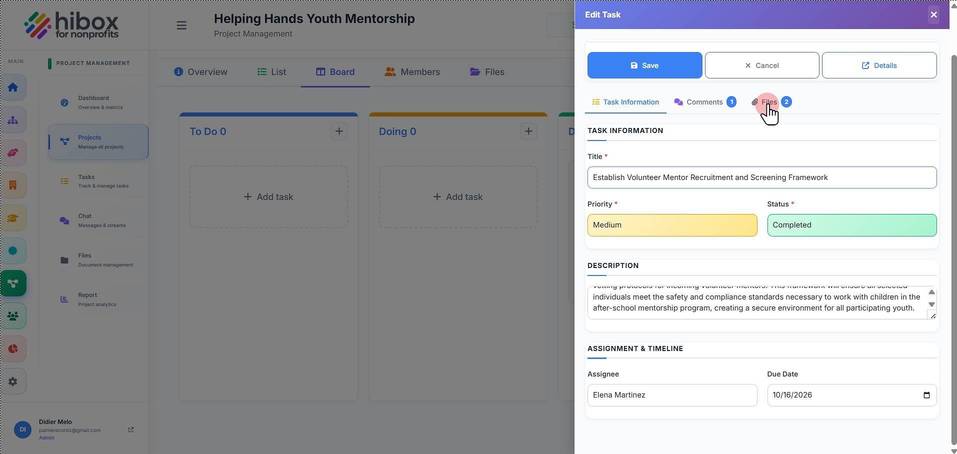
10. Find the uploaded files
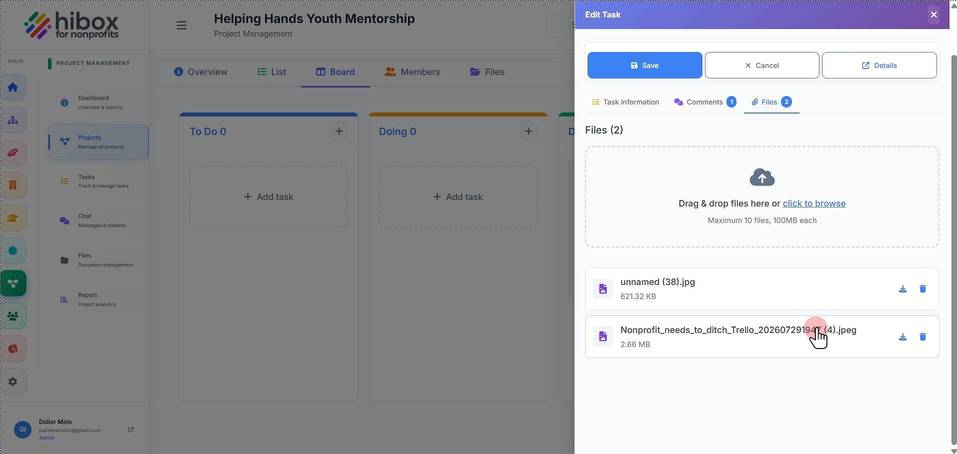
11. You can also download documents from here at any moment
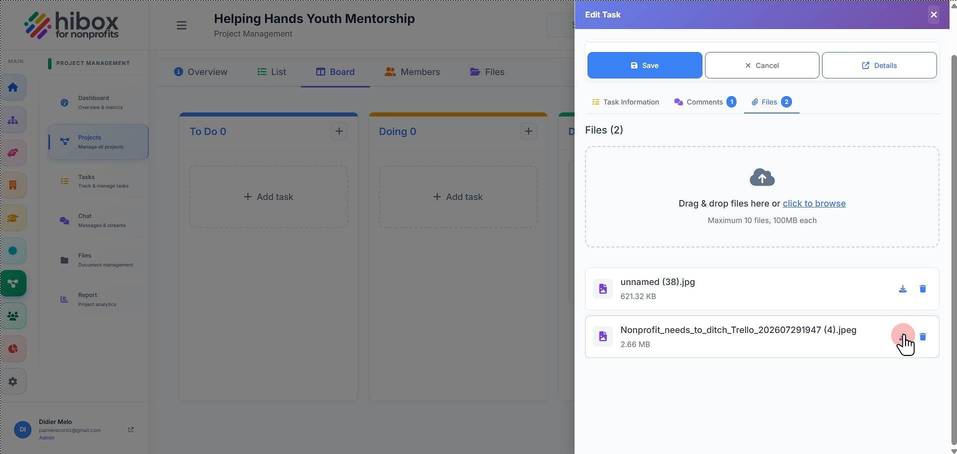
12. or you can delete any file on this task
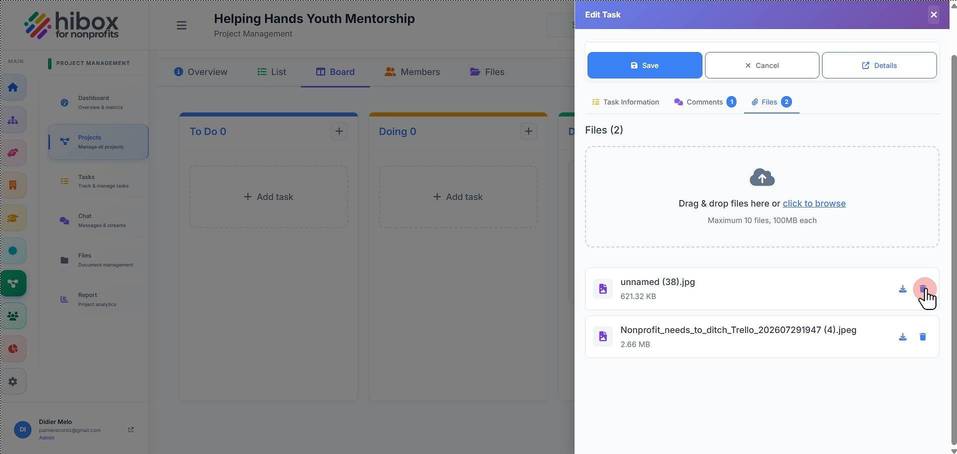
13. When finished, click "Save"
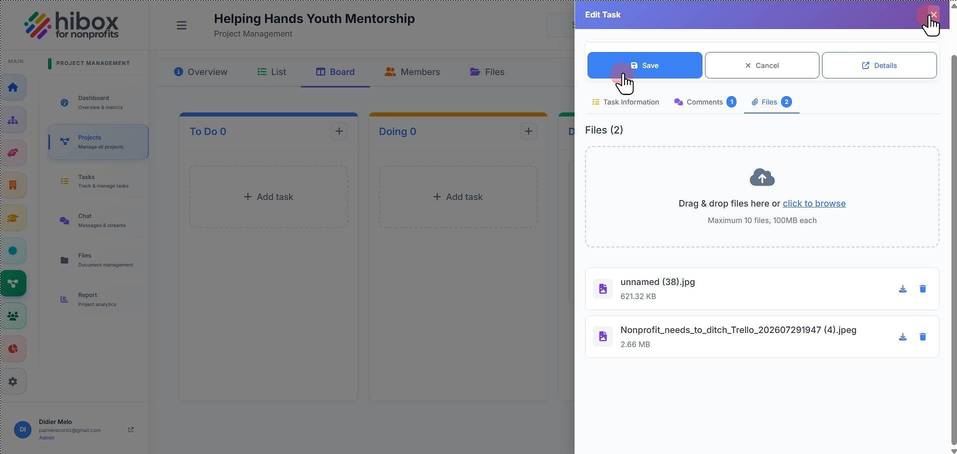
14. You can also navigate to the "List" section
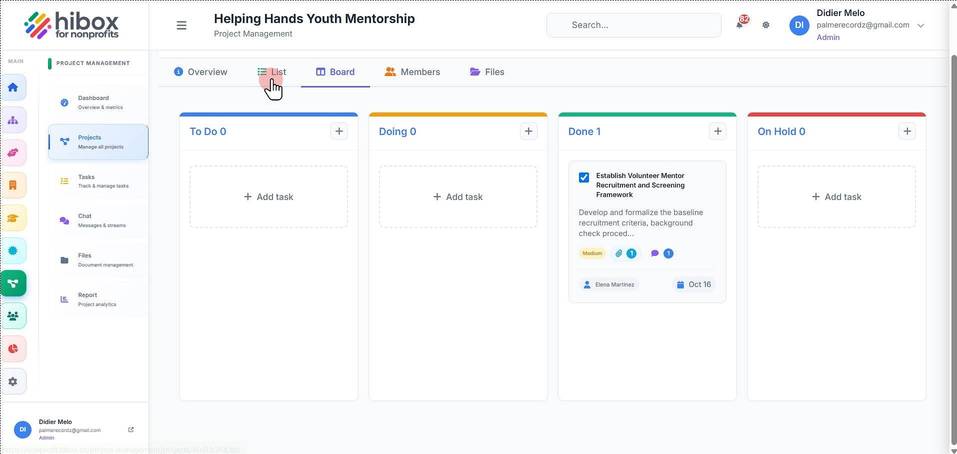
15. Click "Establish Volunteer Mentor Recruitment and Screening Framework"
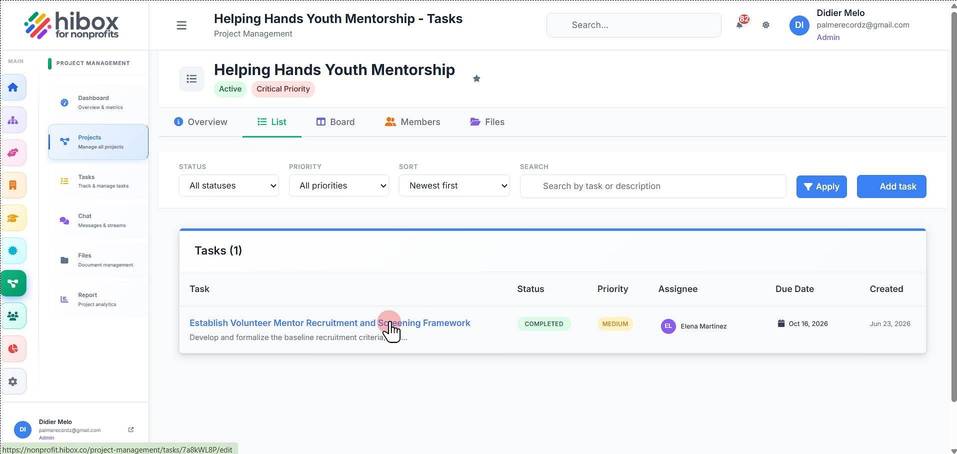
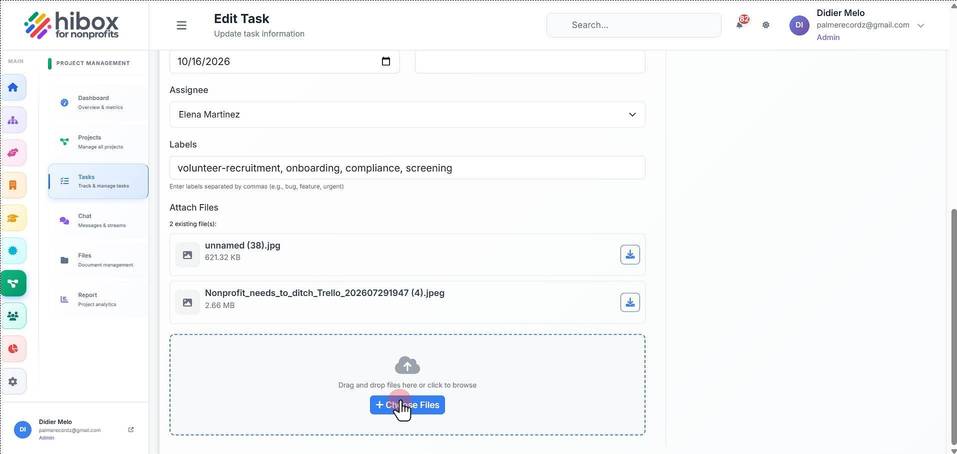
16. Click "+ Choose Files"
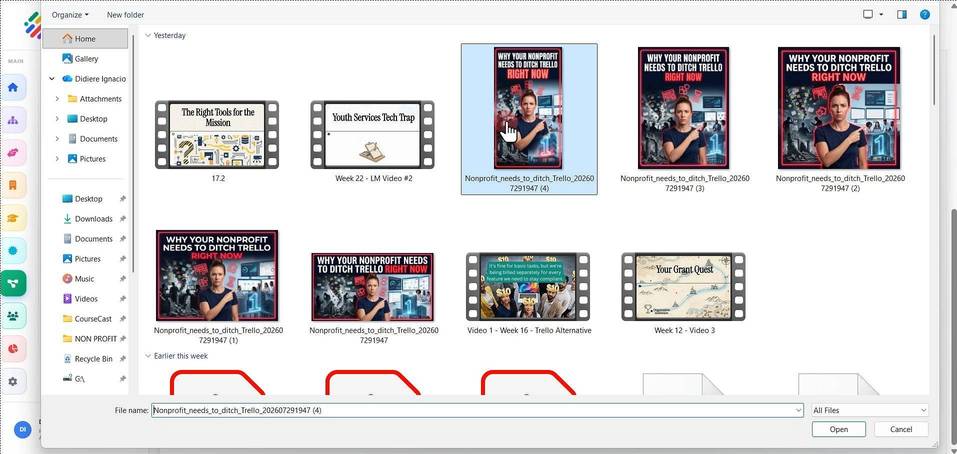
17. Click "Nonprofit_needs_to_ditch_Trello_202607291947 (4)"
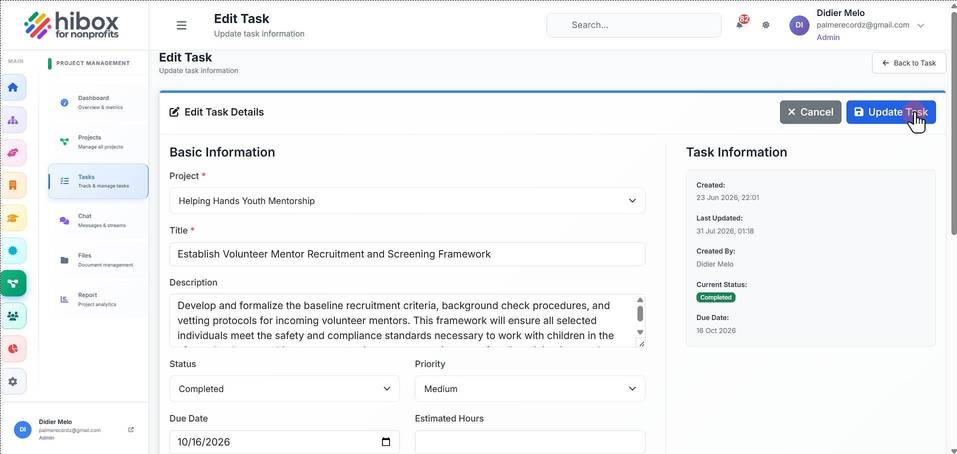
18. Click " Update Task"
19. Click " Edit"