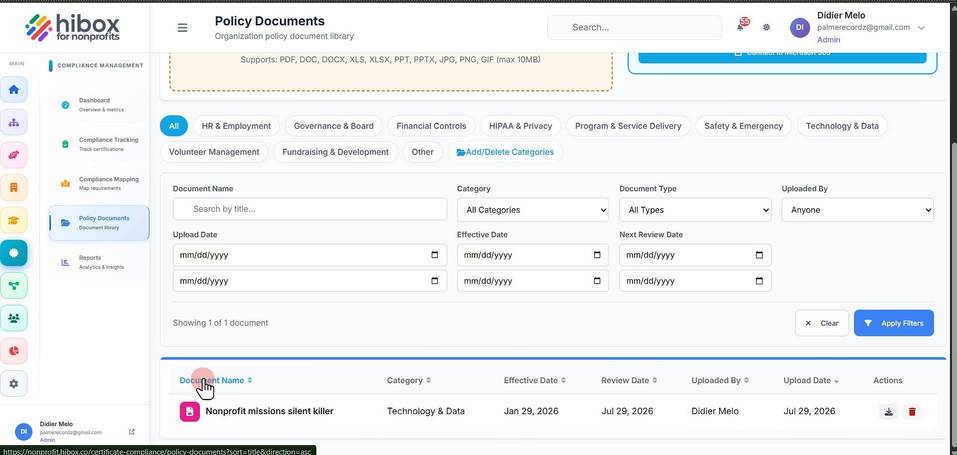
Upload Policy Documents
Upload Policy Documents
1. Click "Certifications"
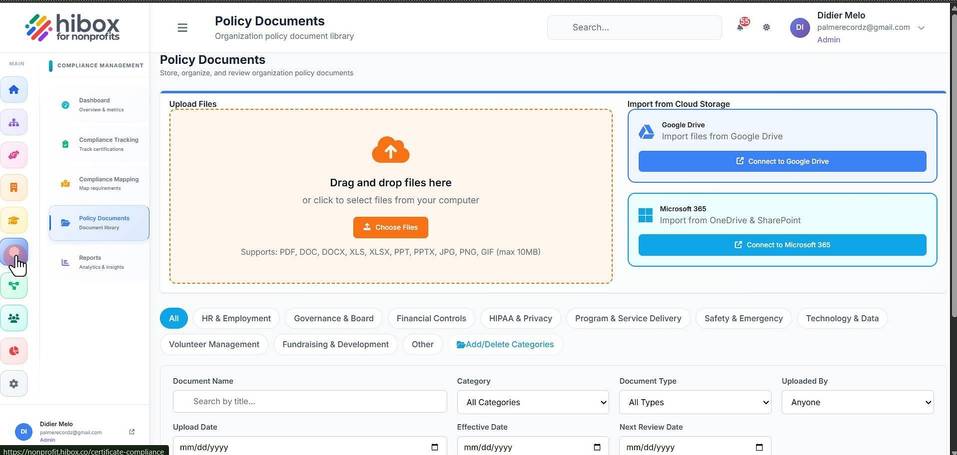
2. Click "Policy Documents" on the sub-menu
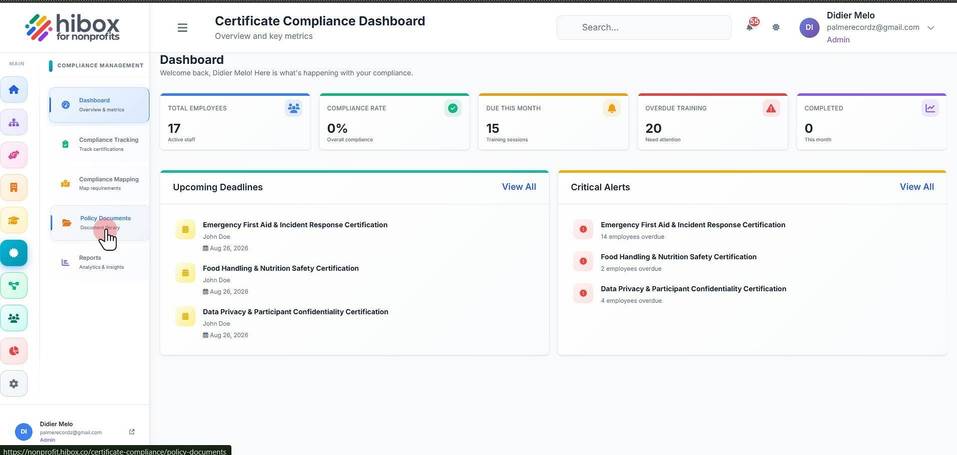
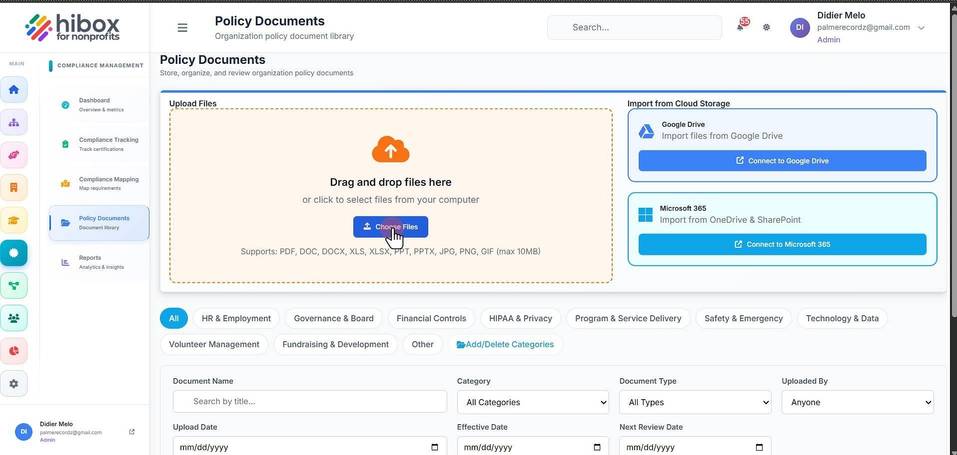
3. From here, you can upload documents
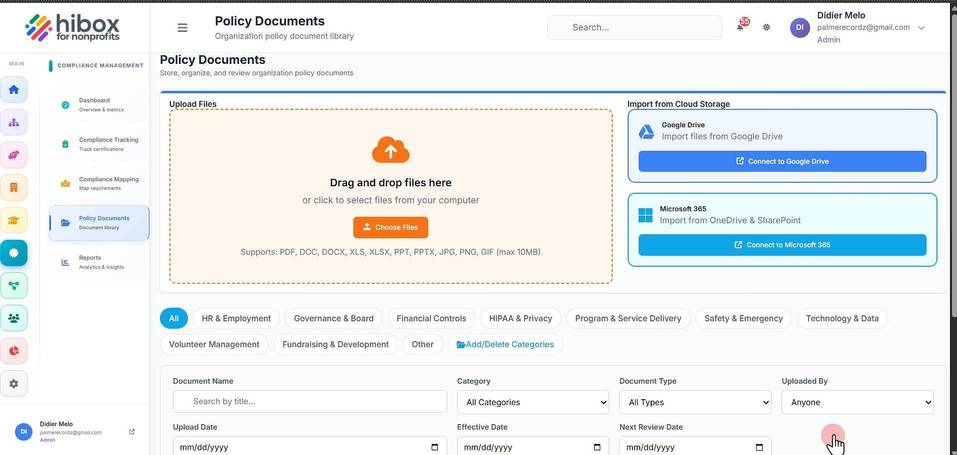
4. Click "Choose Files" to upload them from your own device
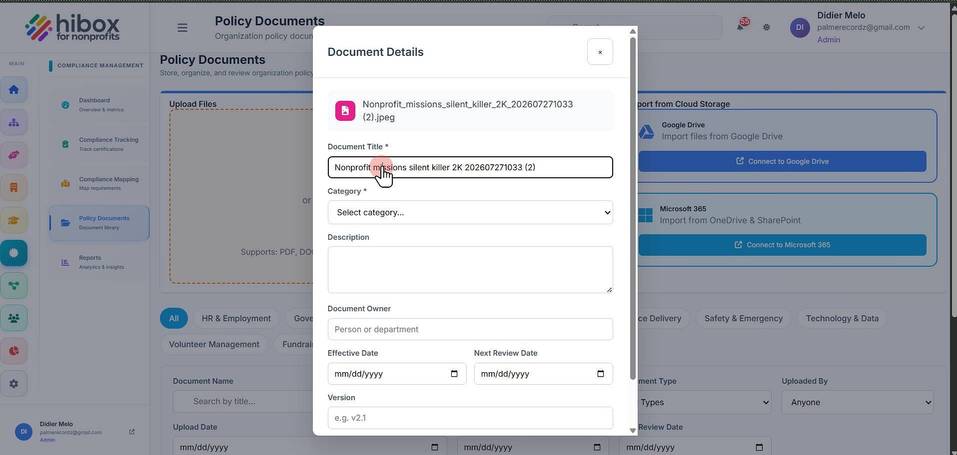
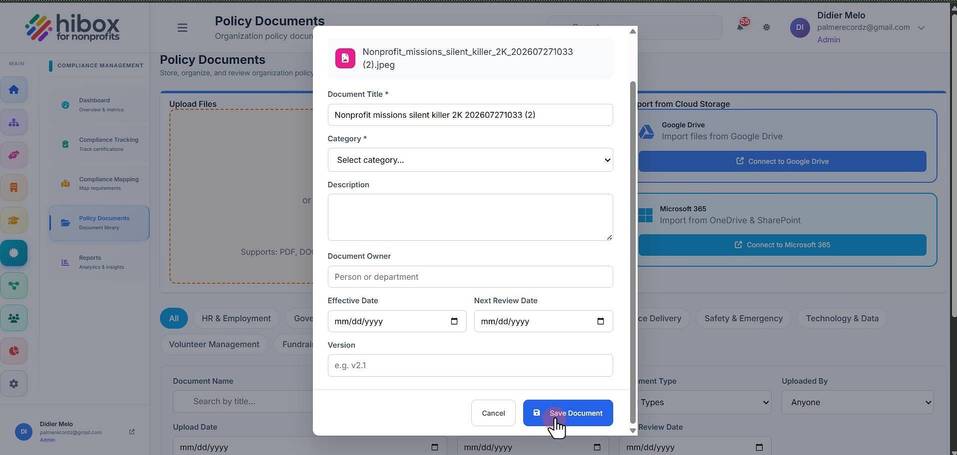
5. Enter a "Document Title"
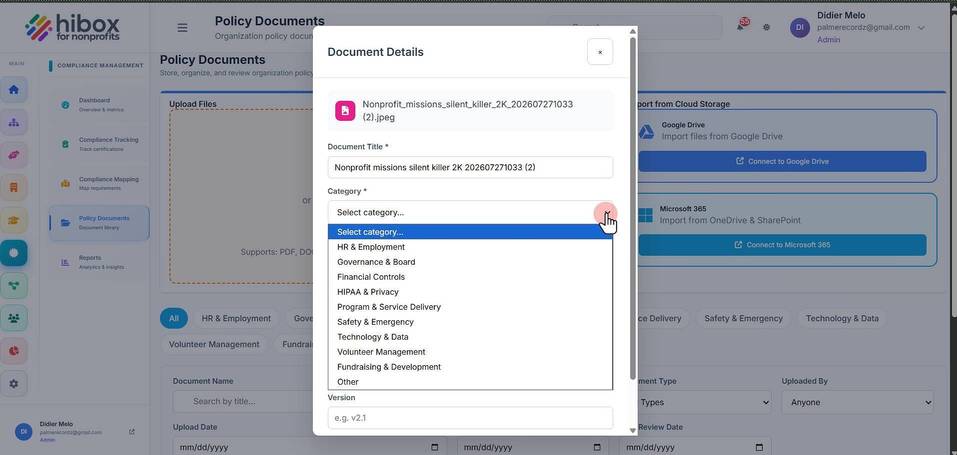
6. Choose a "Category"
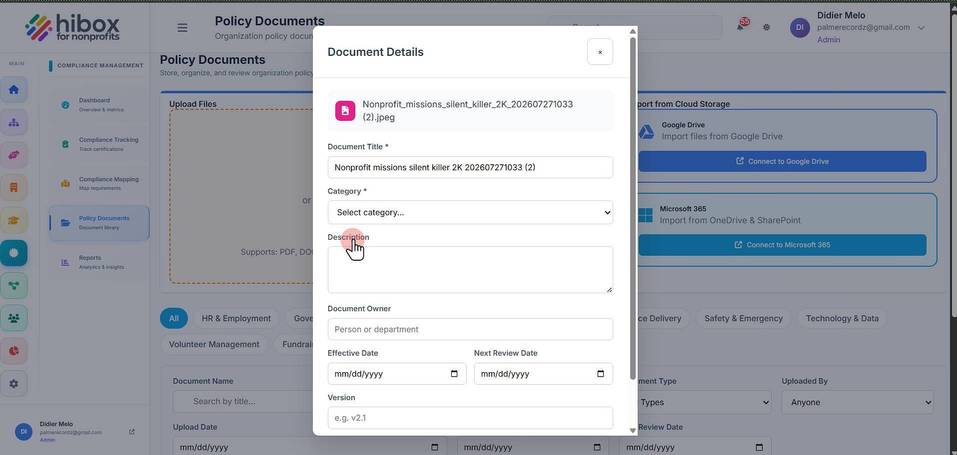
7. Enter a "Description"
8. Set a "Document Owner"
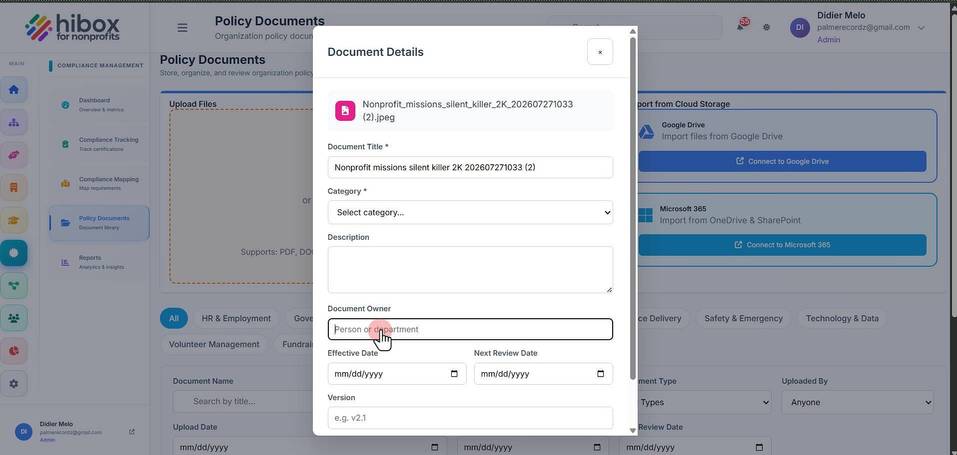
9. Set an "Effective Date"
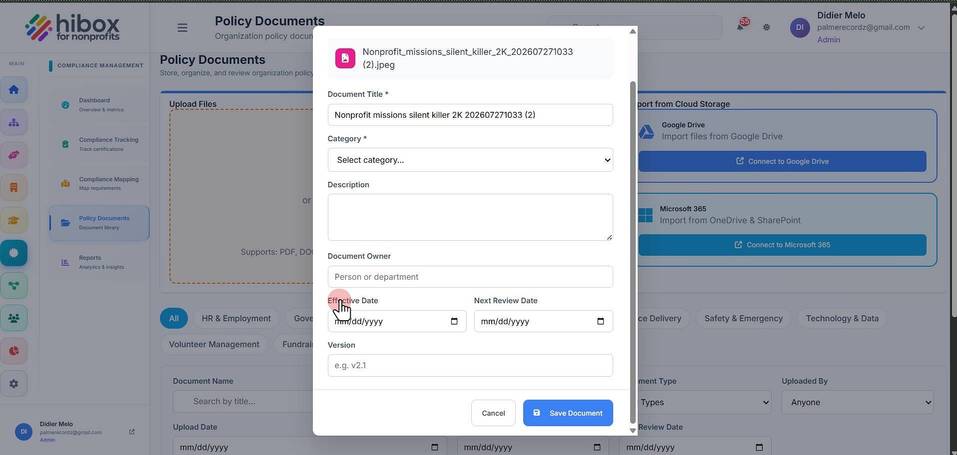
10. Set the "Next Review Date"
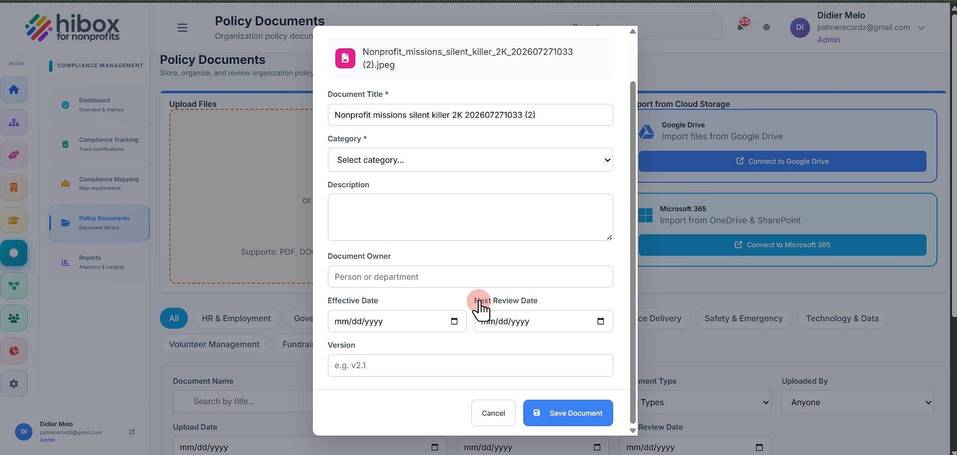
11. Enter a "Version" e.g 2.1
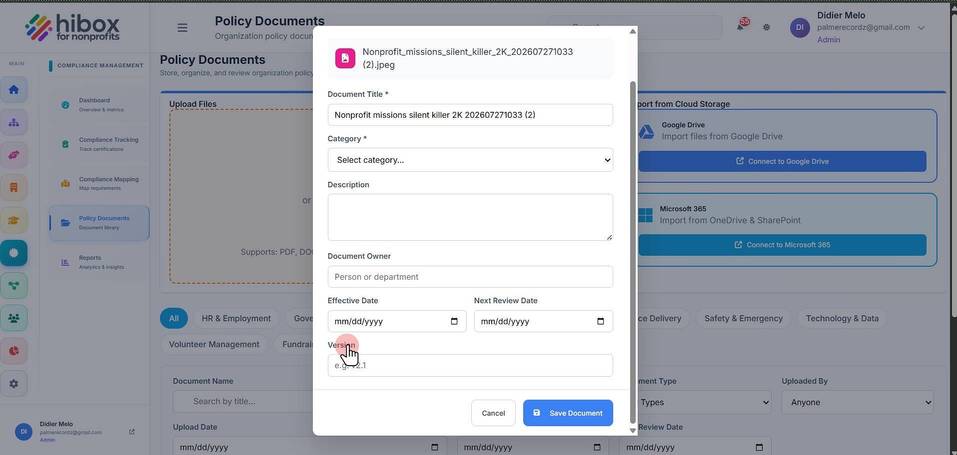
12. Click "Save Document" to finish
13. Scroll down to find the uploaded document