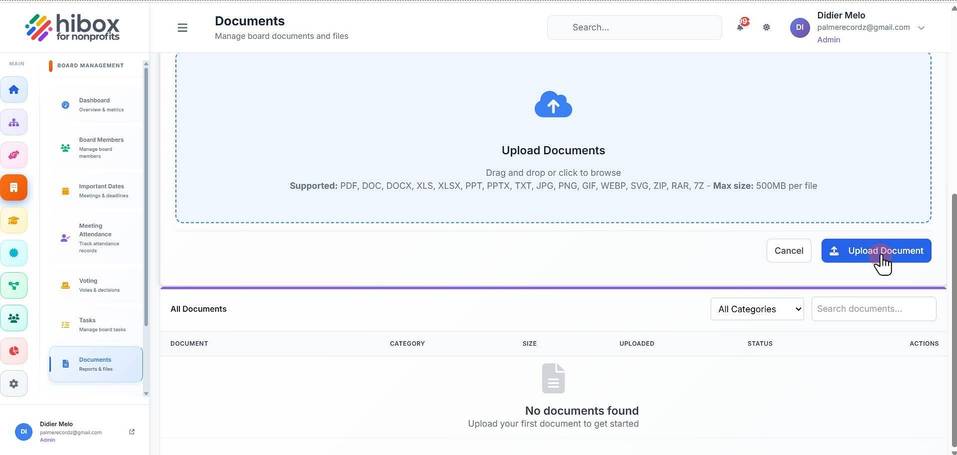
Uploading a Document
Uploading a Document
1. Click "Board Management" on the left side menu
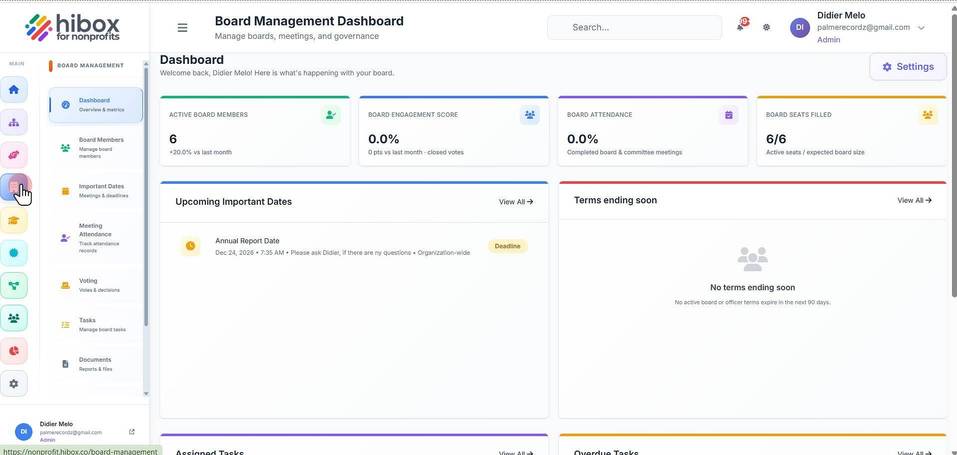
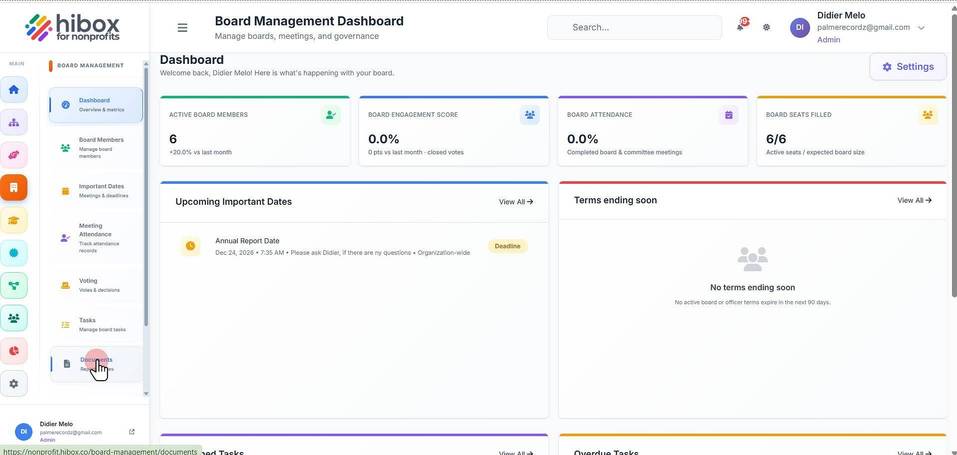
2. Scroll down to find the "Documents" section on the sub-menu
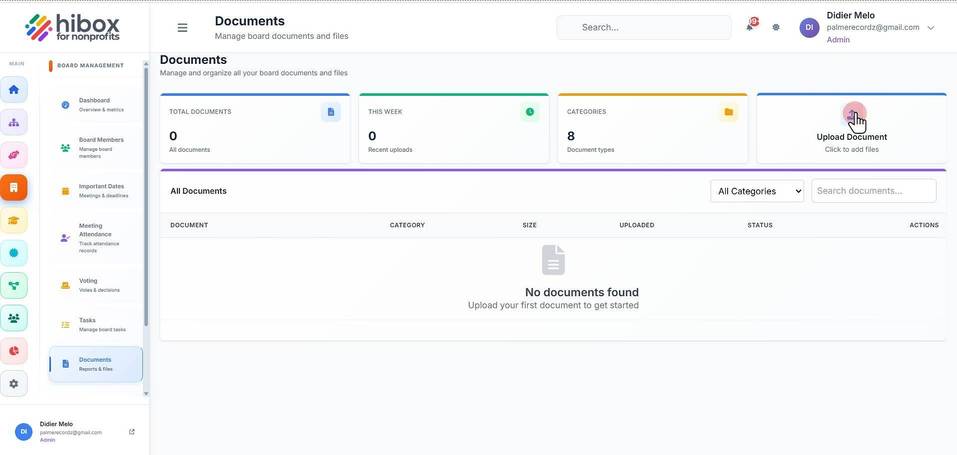
3. Click "Upload Document"
4. Enter the "Document Title *"
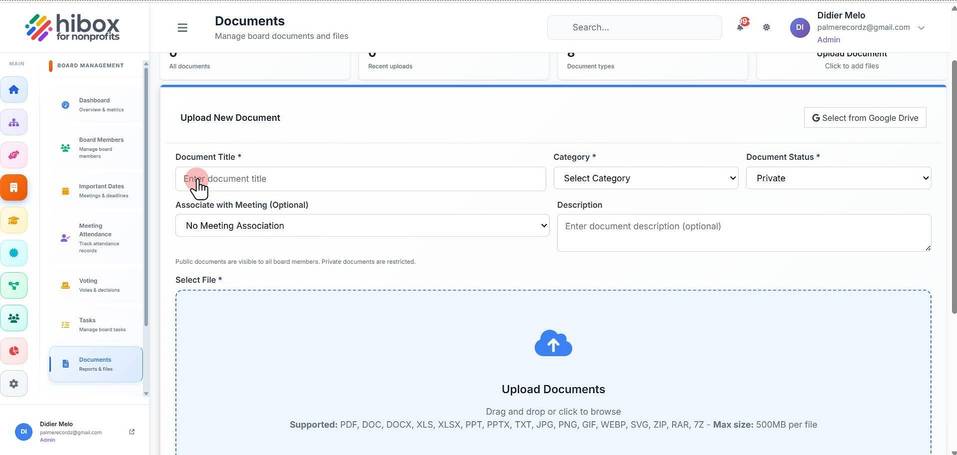
5. Choose a "Category"
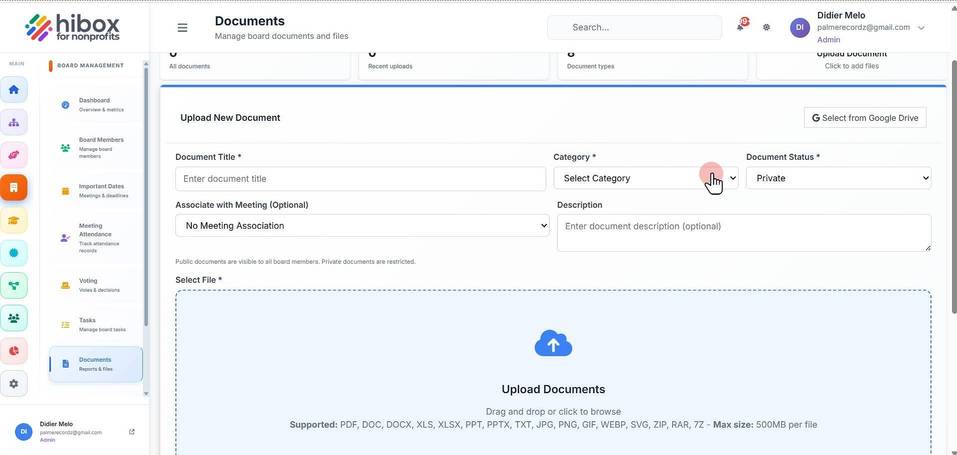
6. Set the "Document Status *"
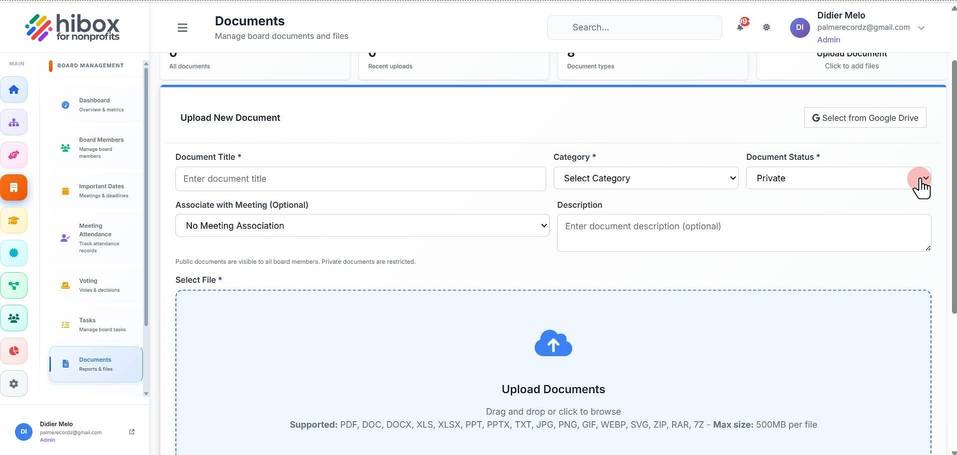
7. You can "Associate with Meeting" (Optional)
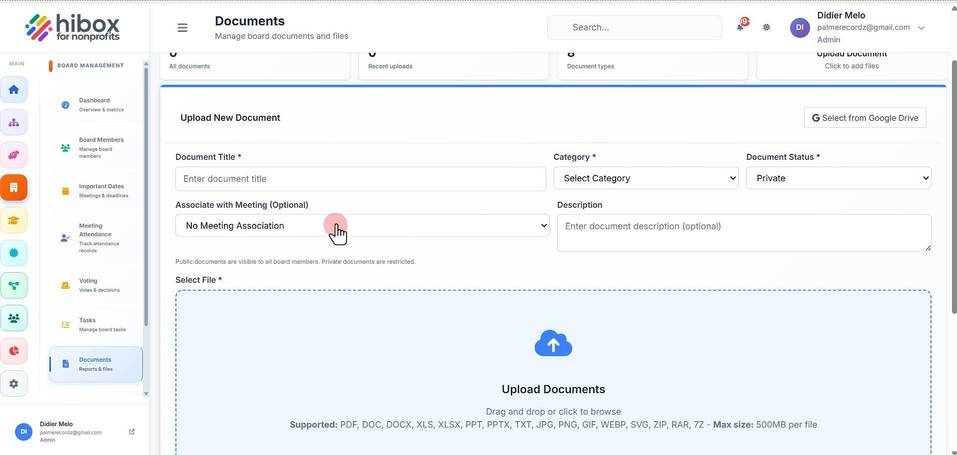
8. Enter a "Description"
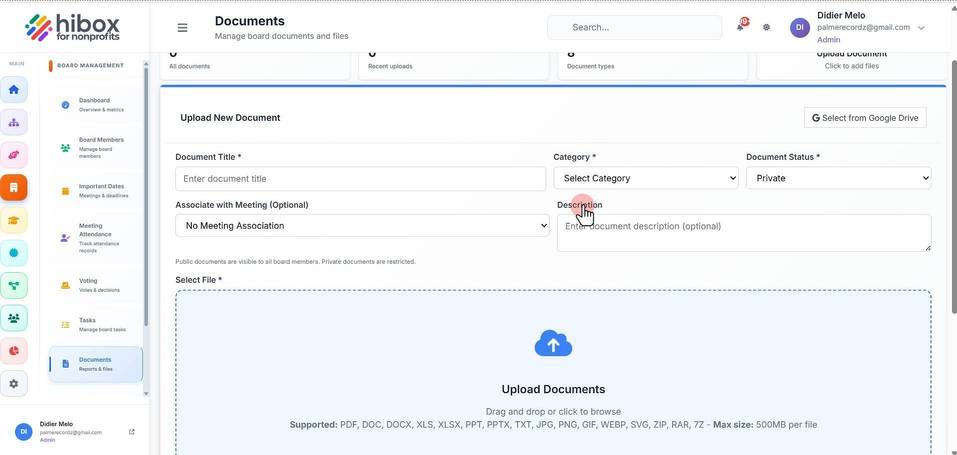
9. Click "Upload Documents" and select the documents from your device
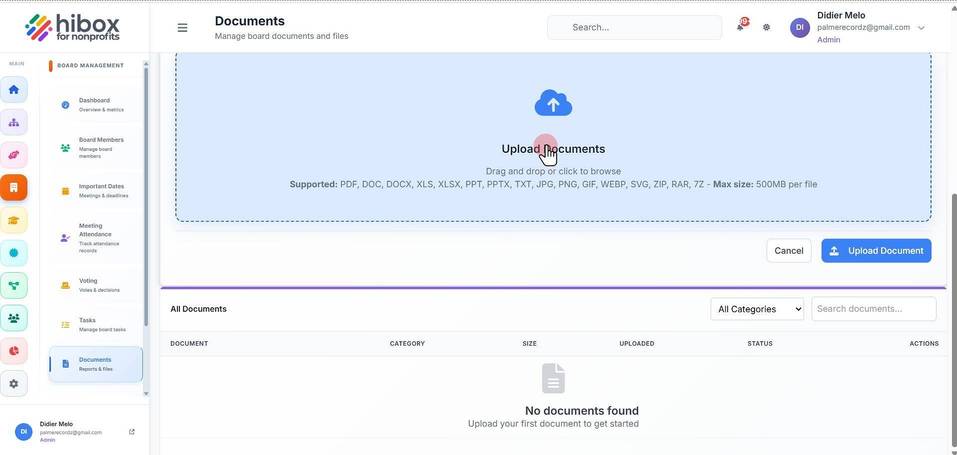
10. Click "Upload Document" to finish