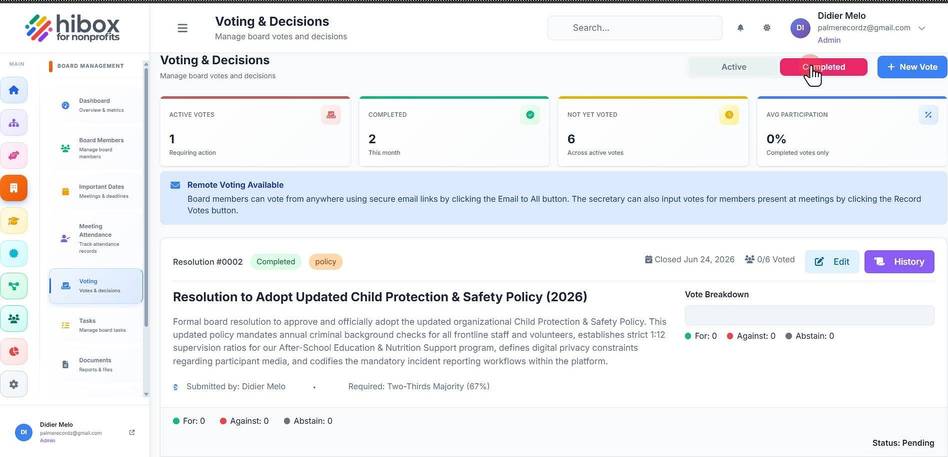
Voting & Decisions
Voting & Decisions
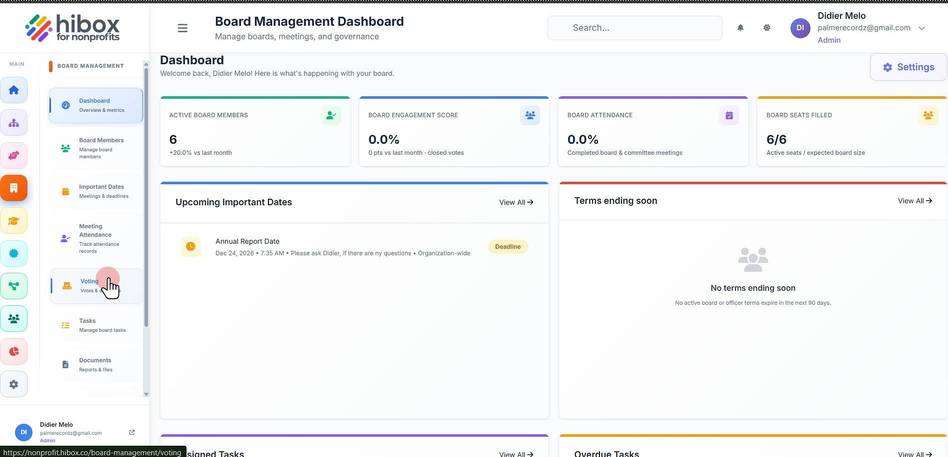
1. Click "Voting Votes & decisions"
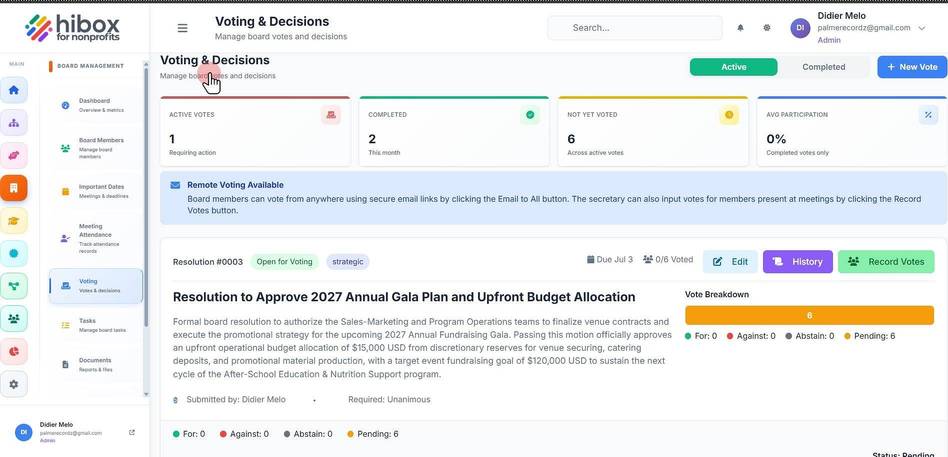
2. Click "Manage board votes and decisions"
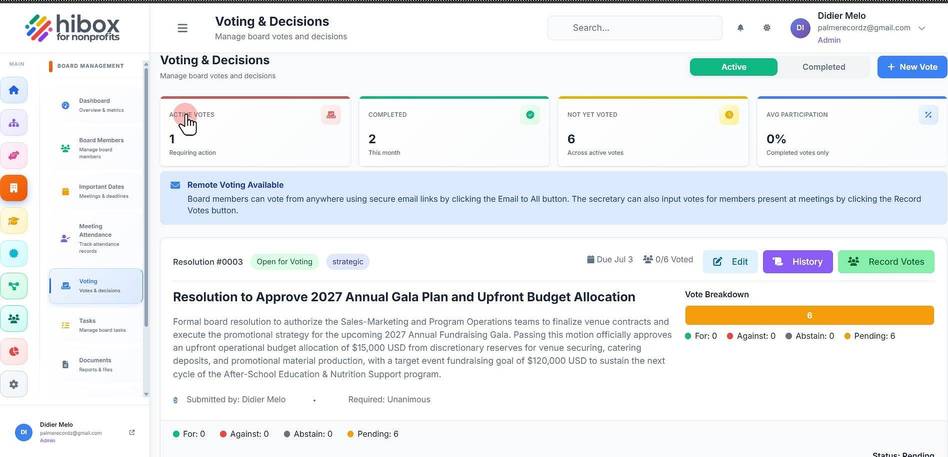
3. Click "ACTIVE VOTES"
4. Click "COMPLETED"
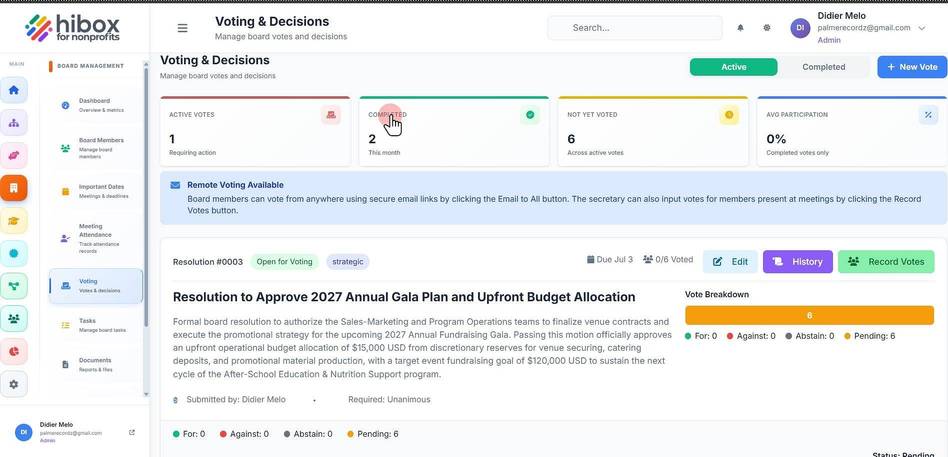
5. Click "Active"
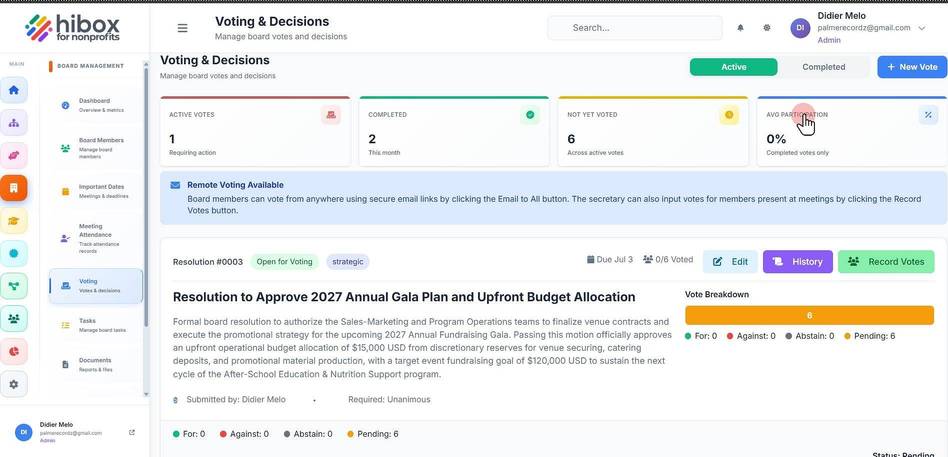
6. Click "AVG PARTICIPATION"
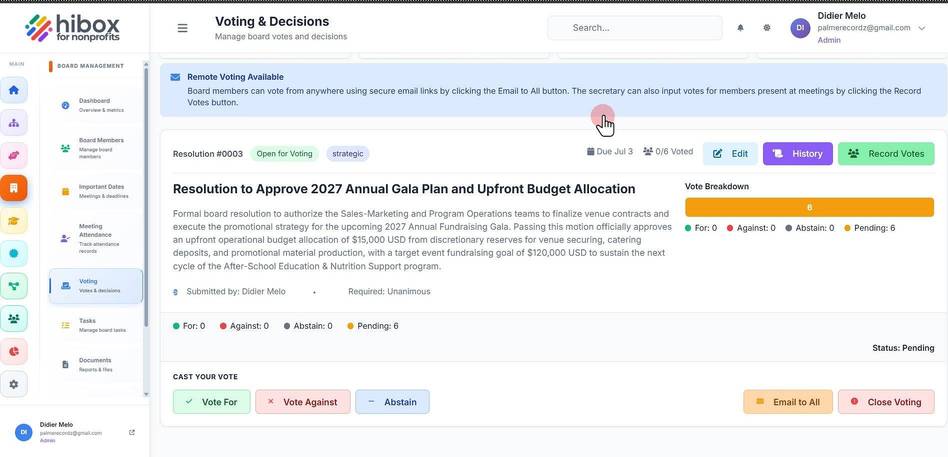
7. Click "Remote Voting Available"
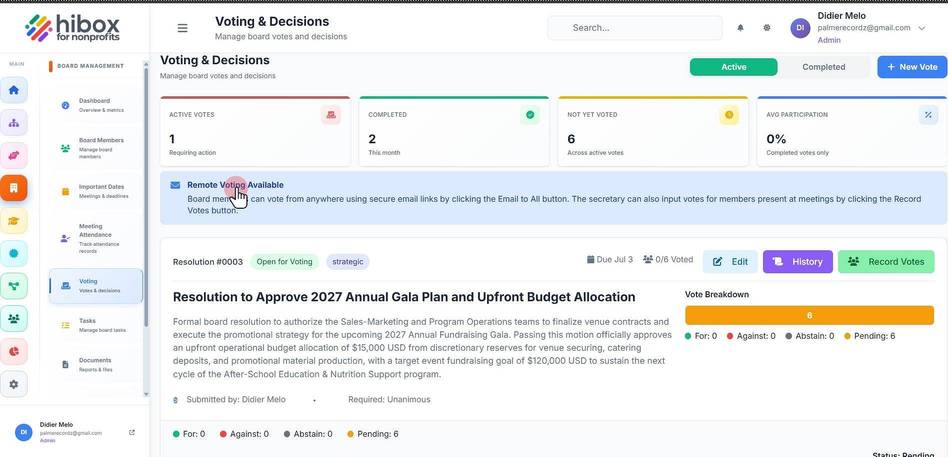
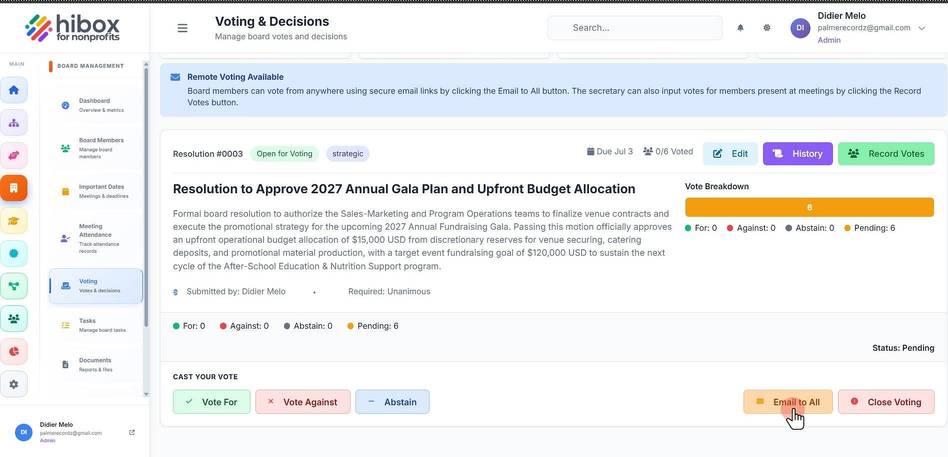
8. Click "Board members can vote from anywhere using secure email links by clicking the Email to All button. The secretary can also input votes for members present at meetings by clicking the Record Vote
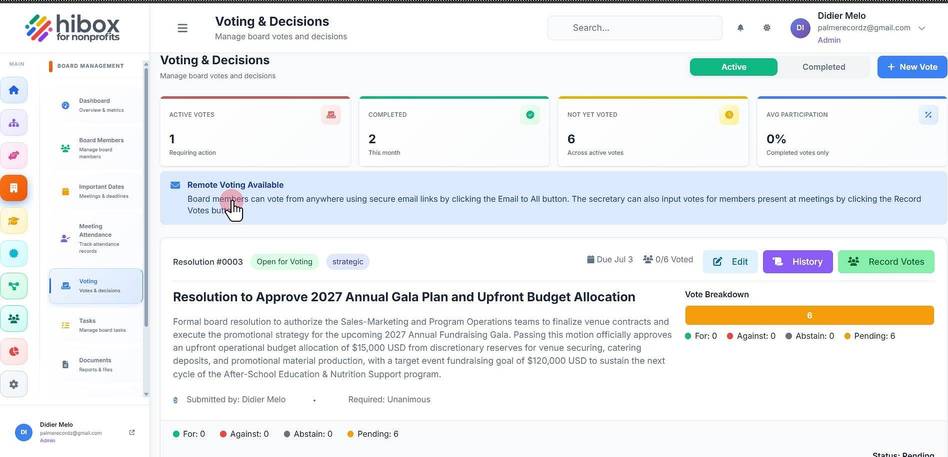
9. Click "Open for Voting"
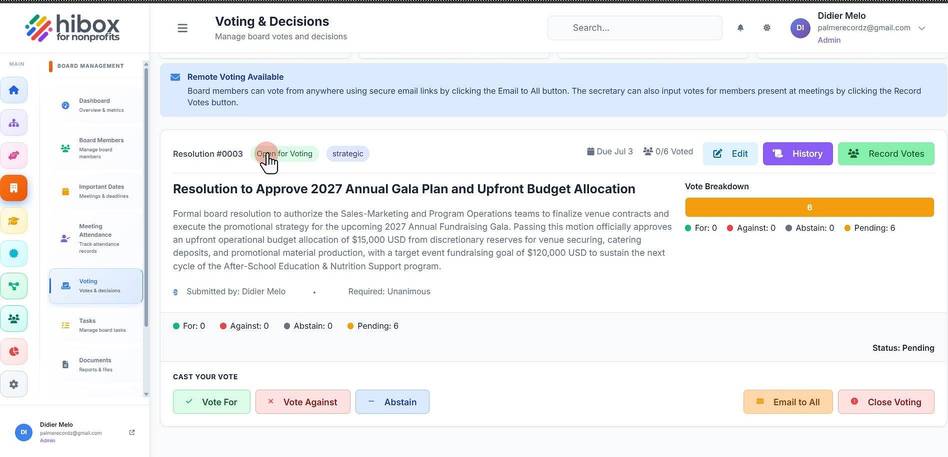
10. Click "Strategic"
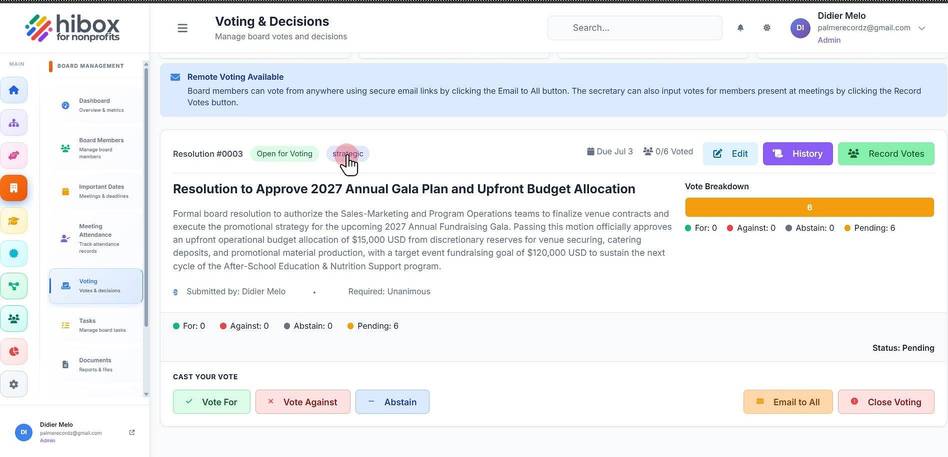
11. Click "Due Jul 3"
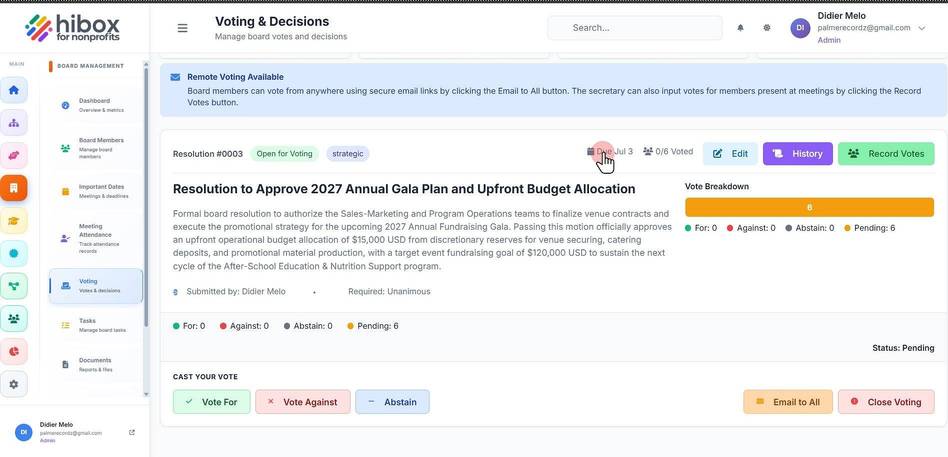
12. Click "0/6 Voted"
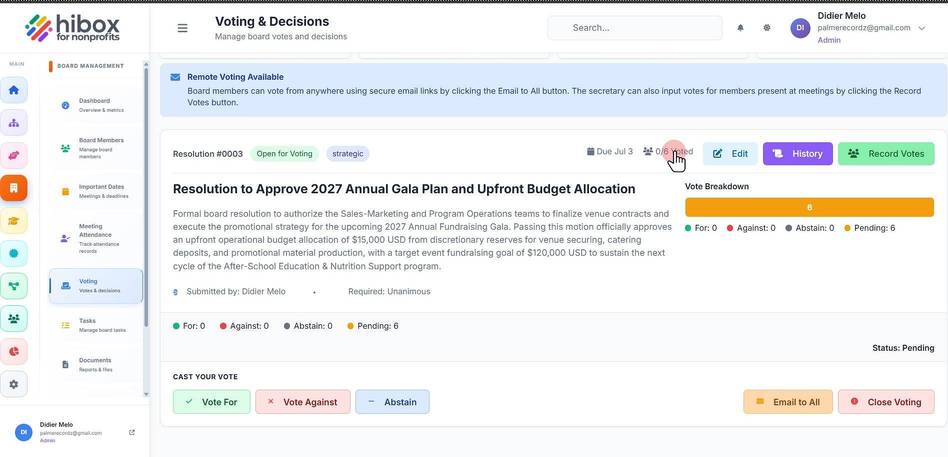
13. Click "Edit"
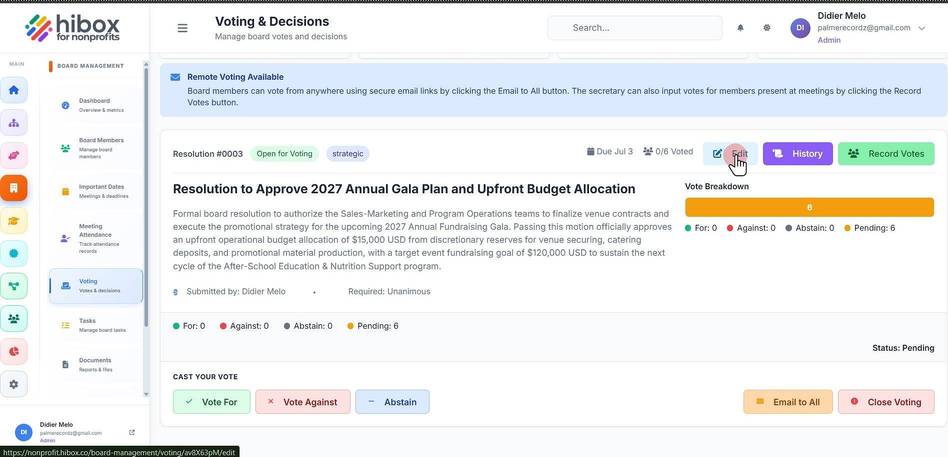
14. Click "History"
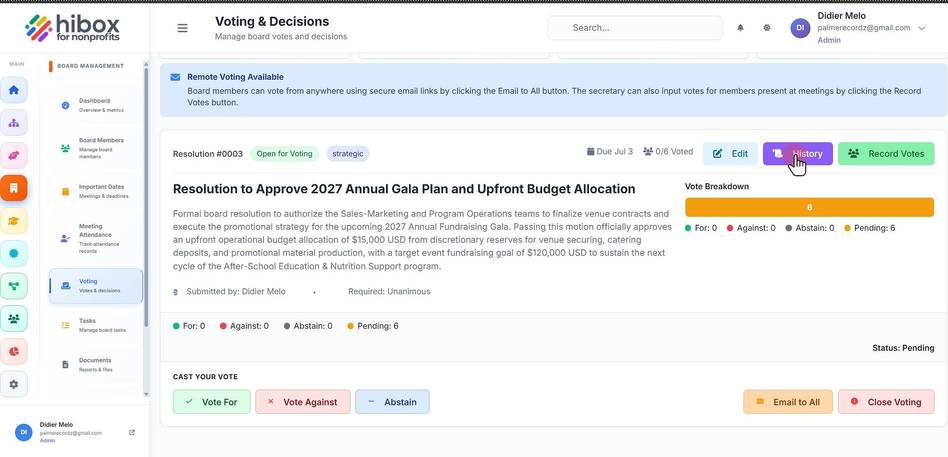
15. Click "Record Votes"
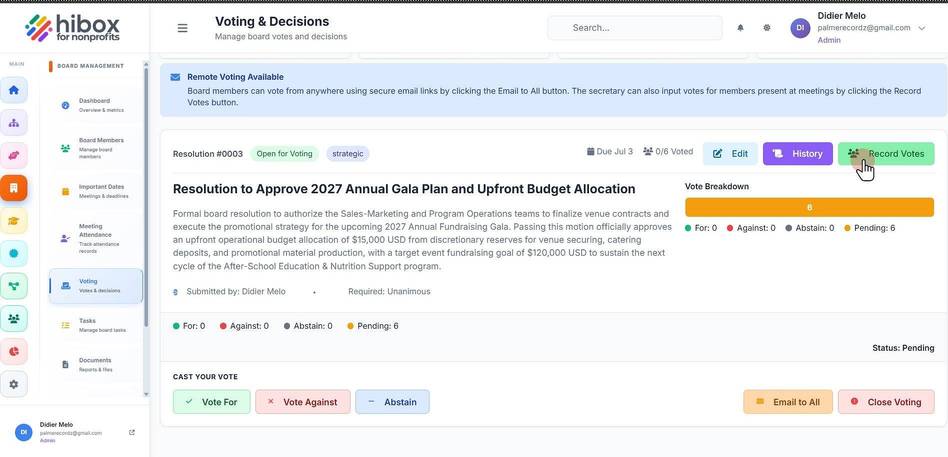
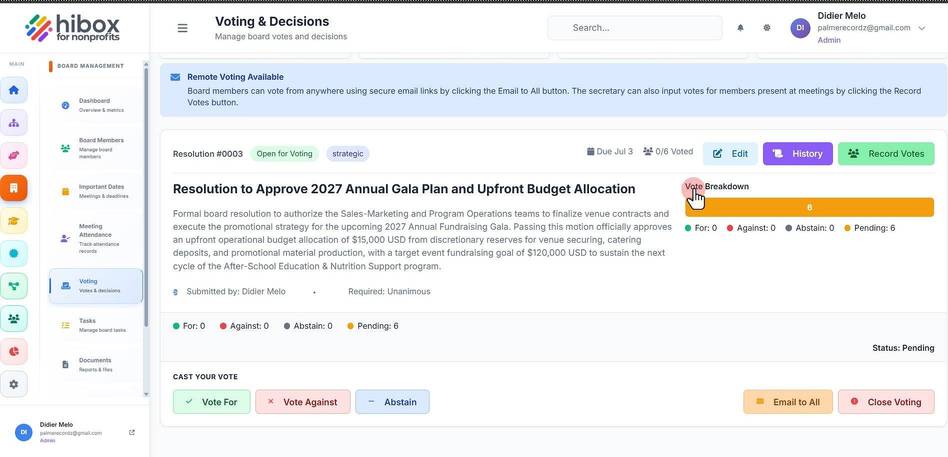
16. Click "Vote Breakdown"
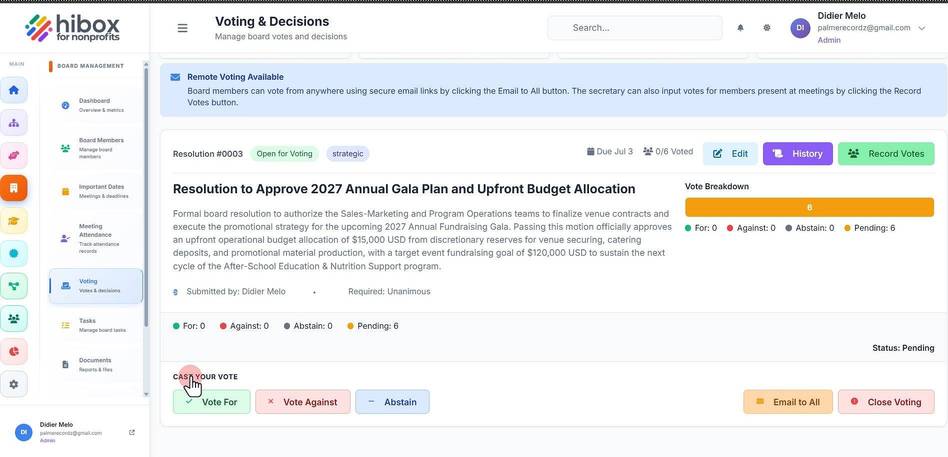
17. Click "CAST YOUR VOTE"
18. Click "Email to All"
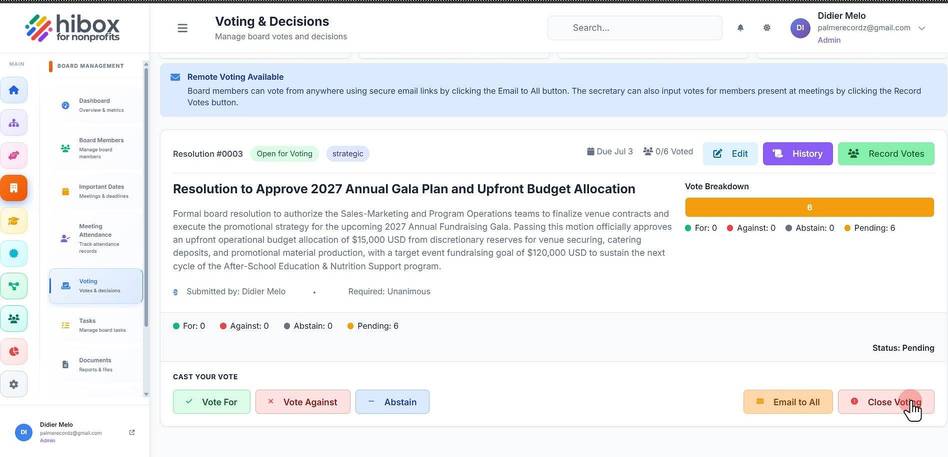
19. Click "Close Voting"
20. Click "Completed"